How To View Your Test Reports
After successfully booking the appointment on the website, you will receive a confirmation email on your registered email ID. In the same email, you will also get the login credentials to access your account with a login link or you can go to the website vetlab.in.
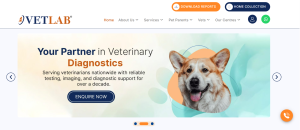
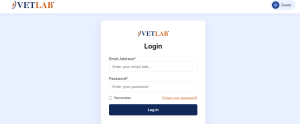
Now go to the homepage of vetlab.in. On the top right corner, you will see the “Download Reports” button. Click on that and you will be redirected to the login page. Enter the credentials that were sent to your email. Use your registered email ID as the username and the password shared with you in the confirmation email. After entering the details, click on login.
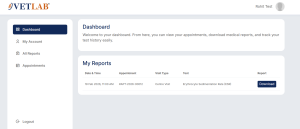
Once you log in, you will be able to see your recent appointment details along with the available reports. Click on “Download” and the report will automatically get saved on your device.
In your dashboard, you can also see all the tests done for your pet in one place along with their report results. If required, you can also change your account password from there.
If you face any issue while logging in or downloading the report, you can reach out to our support team for assistance.